
Edit video with ChatGPT
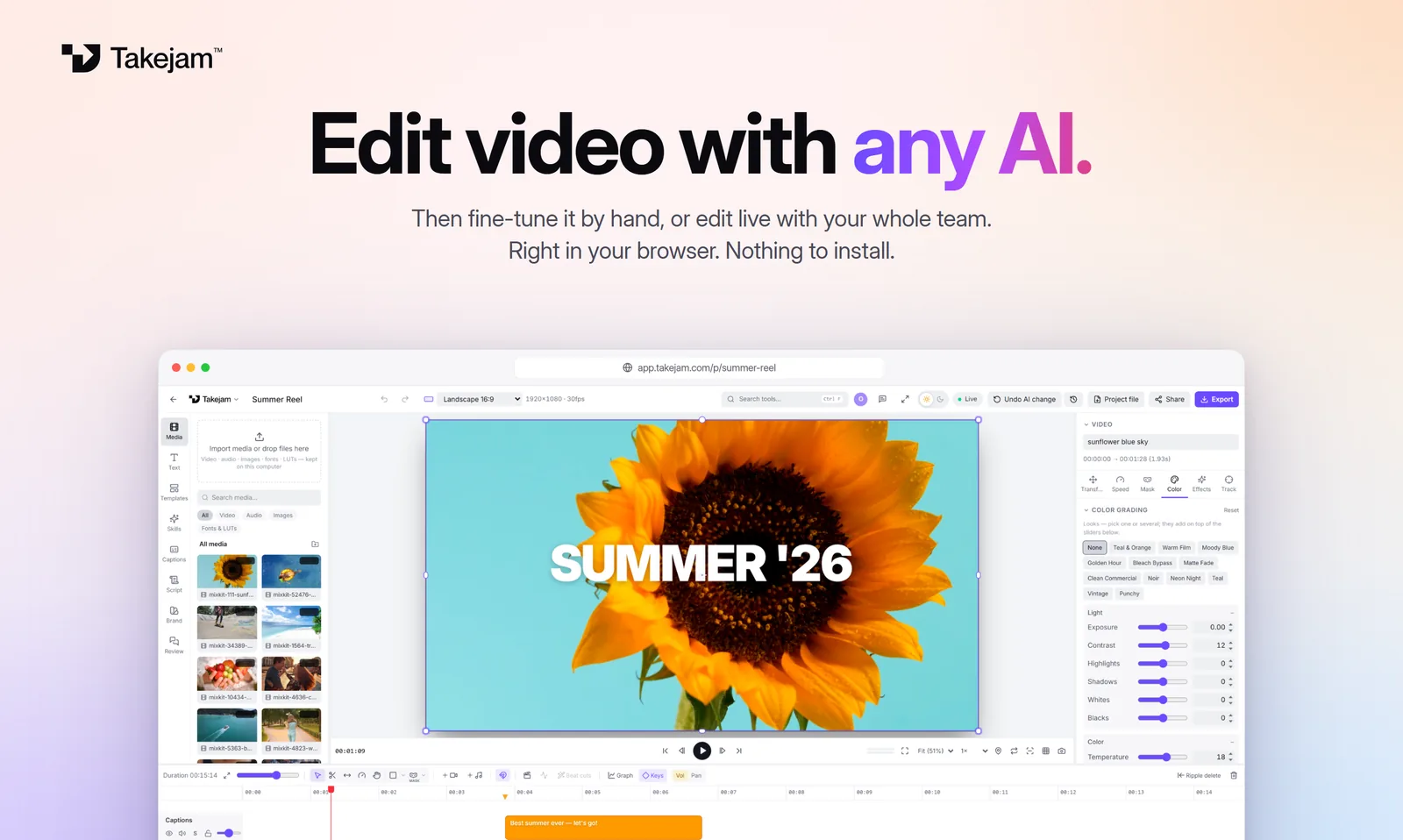
Tell ChatGPT what you want, like “cut this to 30 seconds”, “add a bold title” or “make it warmer”, and it edits your Takejam project on a real timeline while you watch. Then fine-tune anything by hand.
Way 1: connect the ChatGPT app
Turn on Developer mode
In ChatGPT, open Settings → Apps & Connectors → Advanced and switch on Developer mode.
Add Takejam
Back in Apps & Connectors, click Create. Name it Takejam, paste
https://api.takejam.com/mcpand choose OAuth.Sign in and allow
A Takejam page opens. Sign in (or create a free account), pick your workspace and click Allow.
Start a chat
In a new chat, pick Developer mode from the + menu, turn on Takejam and ask for your edit.
Developer mode depends on your ChatGPT plan, and OpenAI may rename these menus. If you can't find it, use Way 2.
Way 2: chat with ChatGPT inside Takejam
Open a project
Sign in at app.takejam.com and open or create a project.
Open the AI tab
Click AI on the left, choose ChatGPT and paste an API key from platform.openai.com.
Ask away
Type what you want. ChatGPT edits while you watch, and Ctrl+Z or “Undo AI change” takes it back.
Your key stays in your browser and goes only to OpenAI, never to Takejam. OpenAI bills the key's usage.
Things to ask ChatGPT
“Open my project “Summer Reel” and cut it to 30 seconds”
“Add captions-style titles for each scene”
“Sync the cuts to the music”
“Make the colours warmer and more cinematic”
“Add a slow zoom on every photo”
“Make a 9:16 version for TikTok and Reels”
Why edit with ChatGPT in Takejam
ChatGPT is good at understanding what you want. Takejam gives it a real editor to work in, so the result isn't a one-off file. It's a proper timeline with clips, text, colour and animation that you and your team can keep editing.
- Nothing to install: Takejam runs in Chrome or Edge.
- Your files stay yours: media stays on your computer, and ChatGPT sees the edit, not your raw footage.
- Take over any time: every change is a normal clip, keyframe or effect you can adjust.
Questions, answered
Do I need ChatGPT Plus?
To connect the ChatGPT app you need Developer mode, which depends on your ChatGPT plan. The chat inside Takejam works with any OpenAI API key, which is billed pay-as-you-go by OpenAI.
Can ChatGPT see my videos?
It sees a description of your timeline. When it checks its work, it also sees a few small preview frames. Your original files stay on your computer.
Is it free?
Takejam is free to start. Free forever with 50 AI edits a day. Creator ($5/month) makes AI edits unlimited and adds 4K export.
What can't ChatGPT do here?
It can't upload files from your computer, so add your media in Takejam first. It also doesn't generate new footage: it edits what's in your project.
Can my team watch while ChatGPT edits?
Yes. On a Team plan everyone in the project sees the AI's changes live, and approved scenes are protected from AI edits.
Keep exploring
Your next edit starts in a browser tab
Edit with any AI, by hand, or with your whole team. Free to start.