
Edit video with Claude
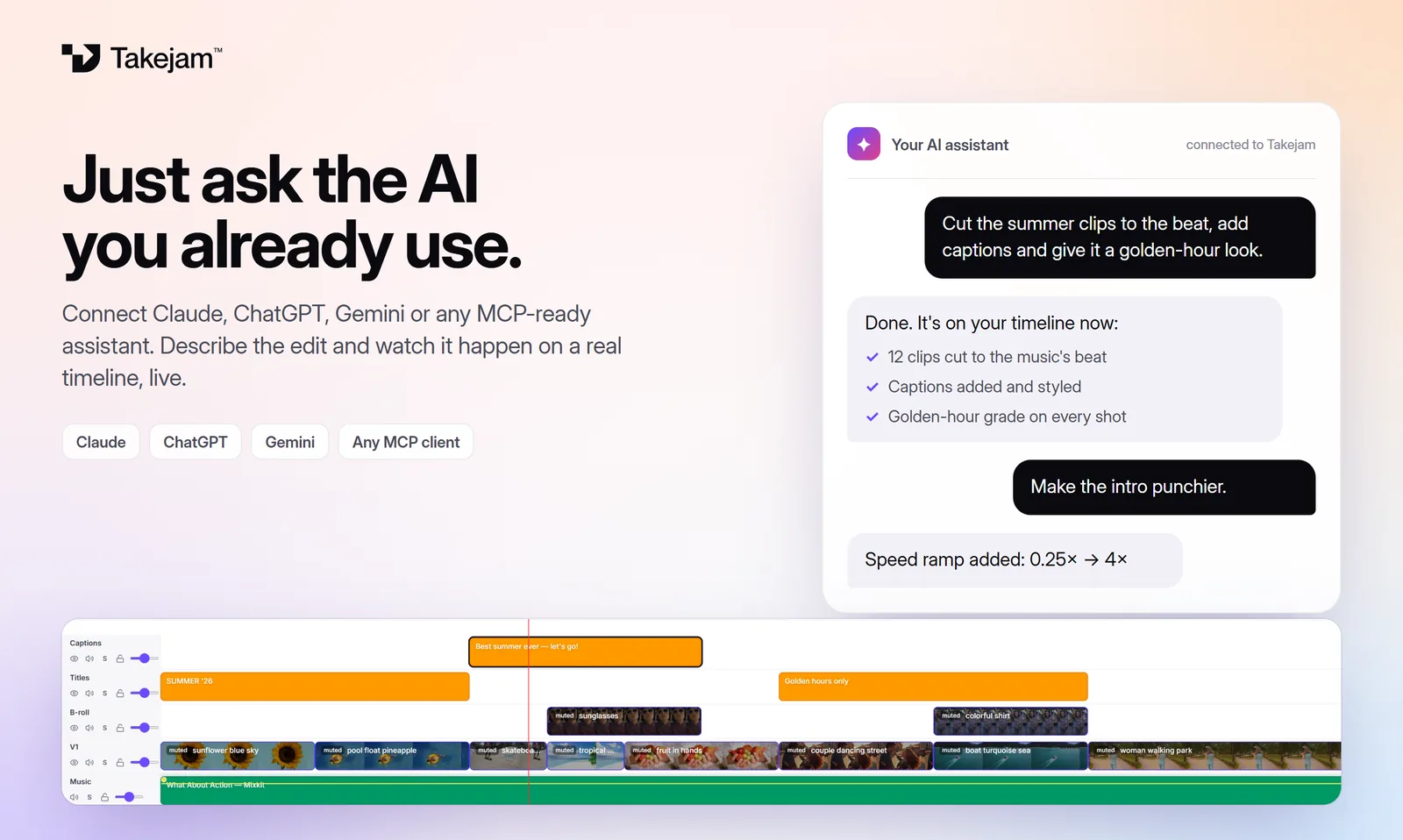
Add Takejam to Claude once, then ask for edits in any chat. Claude works on your real timeline while you watch: cutting, adding titles, grading colour and animating. Every change stays fully editable by hand.
Connect Claude in about a minute
Open Connectors
In Claude, go to Customize → Connectors and click Add custom connector.
Add Takejam
Name it Takejam, paste
https://api.takejam.com/mcpand click Add. Leave the OAuth fields empty.Sign in and allow
Click Connect. A Takejam page opens: sign in, pick your workspace and click Allow.
Use it in a chat
In any chat, turn on Takejam from the + menu → Connectors, then ask for your edit.
Works on every Claude plan. The Free plan allows one custom connector. The same steps work in the Claude desktop app.
Using Claude Code or the API?
In Claude Code, add Takejam with one command, then sign in when it asks:
claude mcp add --transport http takejam https://api.takejam.com/mcp
Prefer to stay inside the editor? Open a project, click the AI tab, choose Claude and paste an API key from the Claude Console. Your key stays in your browser and goes only to Anthropic.
Things to ask Claude
“List my Takejam projects and open the newest one”
“Cut the interview down to the best 45 seconds”
“Add lower-third titles with each speaker's name”
“Grade it like a film: teal shadows, warm skin tones”
“Check the edit and fix anything that looks off”
“Answer my team's review notes and resolve them”
Why Claude and Takejam work well together
Claude is careful with detail, and Takejam lets it check its own work: it can render frames of your video, look at them and correct what's wrong before telling you it's done.
- A real editor: timelines, keyframes, colour, masks, effects and 4K export, all adjustable by hand.
- Safe by design: every AI edit saves a version first, so one click undoes it, and approved scenes are protected.
- Private: your media stays on your computer.
Questions, answered
Does it work on Claude's Free plan?
Yes. Claude's Free plan allows one custom connector, which can be Takejam. Pro, Max, Team and Enterprise work too.
Do I need an Anthropic API key?
Not for the connector: you sign in to Takejam and click Allow. A key is only needed for the chat inside the Takejam editor.
Can Claude see my footage?
It reads a description of the timeline and, when it checks its work, a few small preview frames. Your original files never leave your computer.
Is Takejam free?
Yes. Free forever with 50 AI edits a day. Creator ($5/month) makes AI edits unlimited and adds 4K export.
How do I disconnect Claude?
Remove Takejam in Claude's Connectors, or remove its key under Workspace settings → AI connector keys in Takejam.
Keep exploring
Your next edit starts in a browser tab
Edit with any AI, by hand, or with your whole team. Free to start.