
A free online video editor. No watermark.
Takejam gives you the full editor for free: a real timeline, colour grading, auto-captions, keyframes, effects and 1080p export without a watermark. It runs in your browser, so there's nothing to install and no credit card to enter.
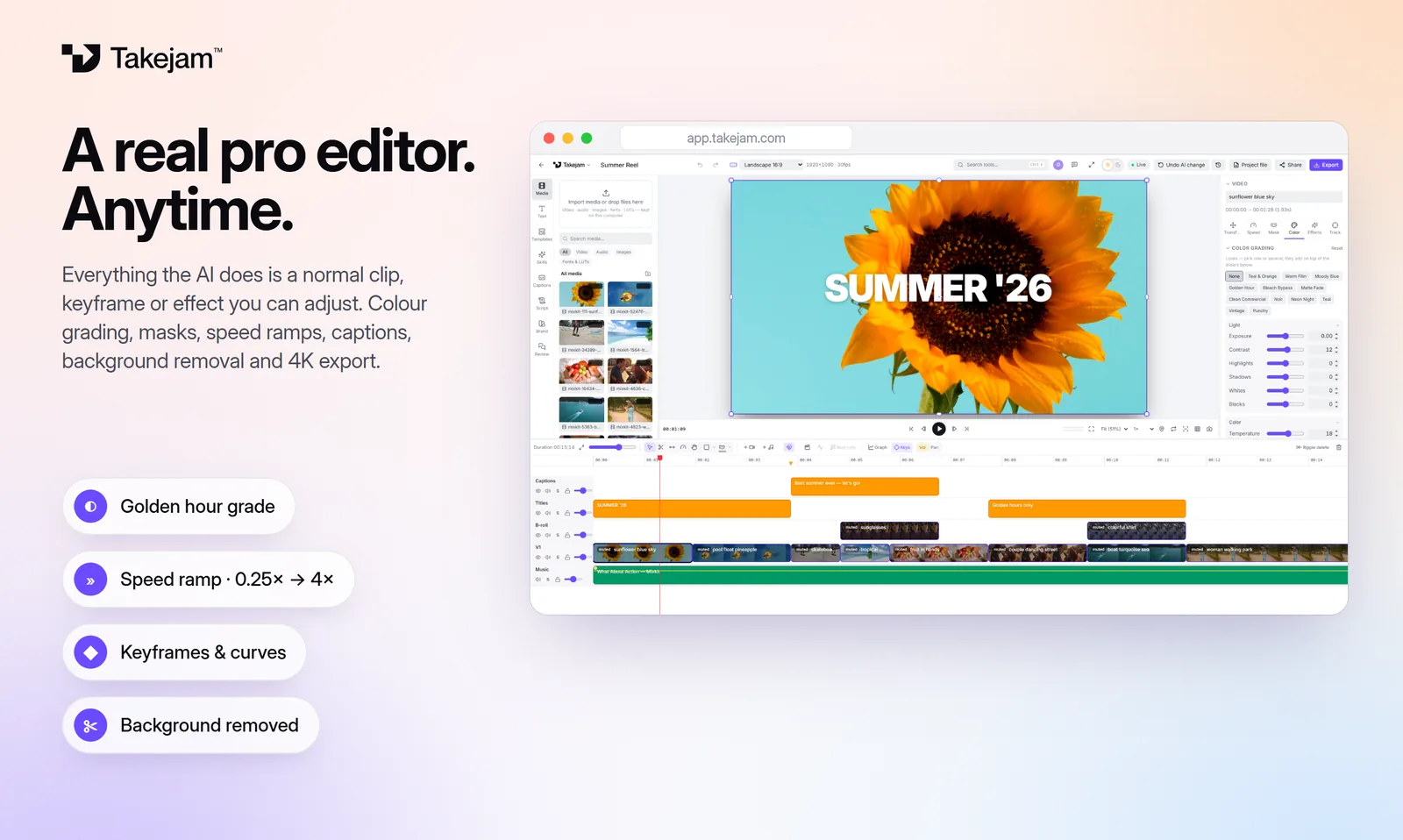
What you get for free
The full editor
Multi-track timeline, trimming, splitting, speed, masks, keyframes and the graph editor.
1080p, no watermark
Export MP4, MOV or WebM in up to 1080p, with nothing stamped on your video.
Auto-captions
Word-by-word captions in many languages, generated on your own computer.
Colour grading
Exposure, curves, colour wheels, LUTs and 12 pro looks you can stack.
Every size
9:16, 16:9, 1:1, 4:5, cinema widths and custom sizes. Switch any time.
AI editing
Connect Claude, ChatGPT or Gemini and get 50 AI edits a day for free.
Start editing in a minute
Open Takejam
Go to app.takejam.com in Chrome or Edge and create a free account. No card needed.
Pick a size or template
Start from a shape like 9:16 or 16:9, or from a ready-made template.
Drop in your media
Drag your videos, music and images in. They stay on your computer.
Edit and export
Cut, add text and colour, then export without a watermark.
Free vs Creator
| Free | Creator | |
|---|---|---|
| Price | $0 forever | $5 a month or $48 a year |
| Watermark | None | None |
| Export | Up to 1080p | Up to 4K, plus HEVC and AV1 |
| AI edits (Claude, ChatGPT, Gemini) | 50 a day | Unlimited |
| Templates | Starter set | All templates |
| Brand kit | — | ✓ |
| Version history | 7 days | 30 days |
Founding members: the first 500 get Creator for $36 a year, locked in.
Private by design
Many online editors upload your footage to their servers. Takejam doesn't: your video, audio and image files stay on your own computer, and exports are made by your own graphics card. Only the edit itself is saved to your account, so you can pick up where you left off.
Takejam works best in Google Chrome or Microsoft Edge on a computer (Windows, Mac or Linux). Phones aren't supported for editing yet.
Questions, answered
Is Takejam really free?
Yes. The Free plan includes the full editor and 1080p export with no watermark, free forever and with no credit card. Paid plans add 4K, unlimited AI edits and team editing.
Is there a watermark on free exports?
No. Nothing is added to your video on any plan.
Is there a time limit or trial?
No. The Free plan doesn't expire.
Do I need to download anything?
No. Takejam runs in your browser. Use Chrome or Edge on a computer for the best results.
Which formats can I export?
MP4, MOV and WebM. Creator and Team plans add 4K and the HEVC and AV1 codecs for smaller files.
Are my videos uploaded?
No. Your media stays on your computer. Takejam only keeps the edit itself.
Keep exploring
Your next edit starts in a browser tab
Edit with any AI, by hand, or with your whole team. Free to start.