
Edit video with Gemini
Chat with Gemini and watch it edit your video in Takejam: cutting, titling, colour grading and animating on a real timeline. Start free with a Gemini API key from Google, and fine-tune anything by hand.
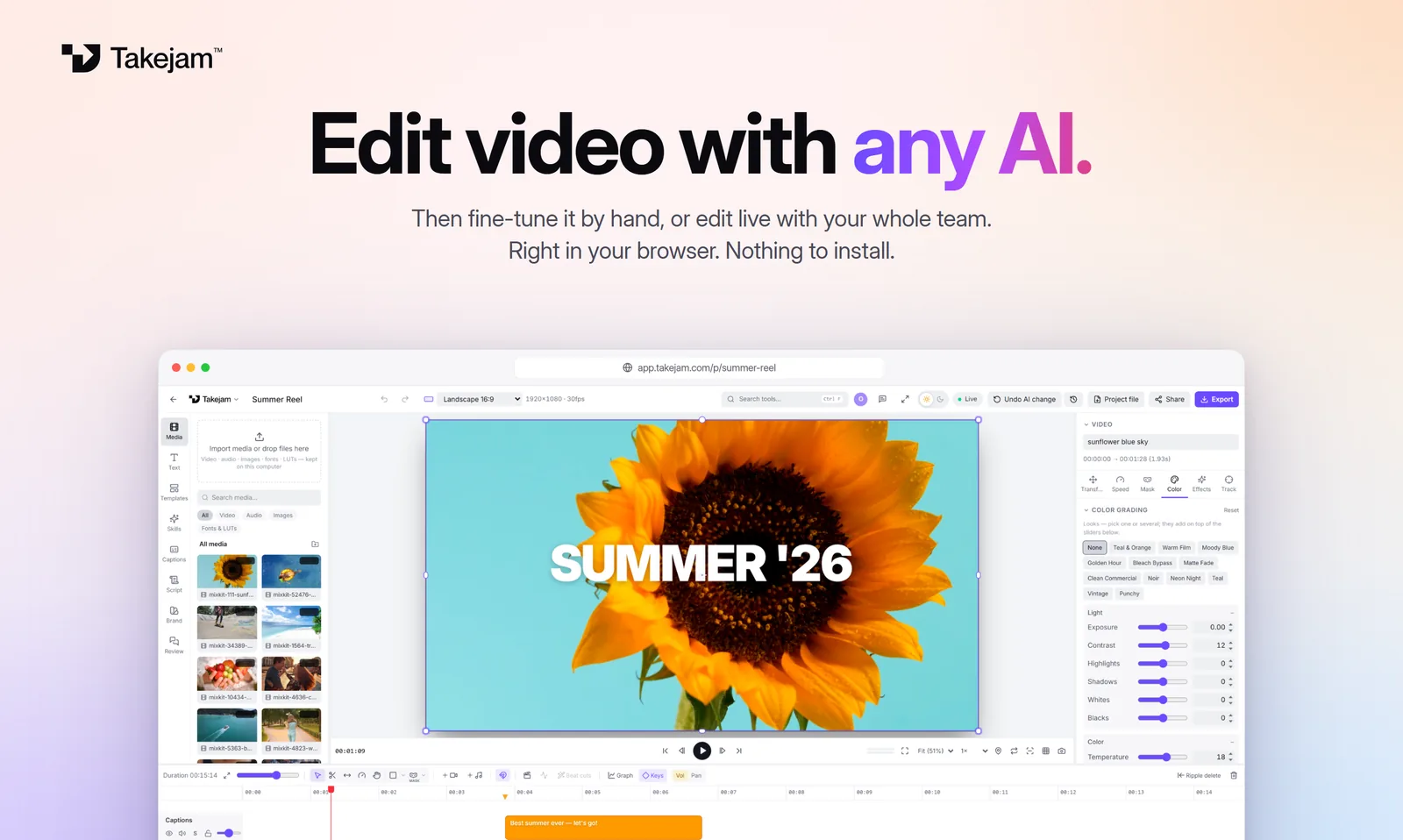
The quick way: Gemini inside Takejam (free key)
Get a free key
Open Google AI Studio and create an API key. It's free to start.
Open a project
Sign in at app.takejam.com and open or create a project.
Paste the key
Click the AI tab on the left, choose Gemini and paste your key.
Ask for edits
Type what you want. Gemini edits while you watch, and Undo takes it back.
Your key stays in your browser and goes only to Google, never to Takejam. Google sets the free limits for its keys.
Or connect the Gemini app
Find Custom apps
In the Gemini web app, open Settings → Connected apps → Custom apps.
Add Takejam
Add a custom app named Takejam with the address
https://api.takejam.com/mcp.Sign in and allow
A Takejam page opens: sign in, pick your workspace and click Allow.
Custom apps in Gemini are still rolling out (personal Google accounts and some countries and languages first). If you don't see it yet, the free-key way above works everywhere.
Things to ask Gemini
“Cut my travel clips into a 20-second reel on the beat”
“Add a title “Summer ’26” that pops in”
“Make the whole video brighter and more colourful”
“Add a crossfade between every clip”
“Turn it into a square version for Instagram”
“Tell me which shots are too long”
Questions, answered
Is Gemini free to use with Takejam?
A Gemini API key from Google AI Studio has a free tier, with limits set by Google. Takejam itself is free too, with 50 AI edits a day.
Which Gemini model should I pick?
Takejam suggests a fast Gemini Flash model by default. Pro models think longer and suit bigger edits. You can switch in the AI tab any time.
Can Gemini see my video files?
No. It reads a description of the timeline and, when it checks its work, a few small preview frames. Your files stay on your computer.
Does it work on my phone?
Editing needs a computer with Chrome or Edge (Windows, Mac or Linux).
Keep exploring
Your next edit starts in a browser tab
Edit with any AI, by hand, or with your whole team. Free to start.